ZArchiver Old Version APK Download
Looking for a ZArchiver old version APK for Android? Explore previous releases, compare version details, and find an older version that may suit your device. Use the version list below to find a ZArchiver previous version, and check its compatibility information before installing.

ZArchiver APK Versions History
Explore ZArchiver previous versions and compare older releases in this ZArchiver APK version history. Each version may have different APK variants or Android requirements, so check the information for the specific build before selecting it. The version table below helps you find the release you need and access its available version details.
Version 1.0.10 (Archive listing: September 17, 2025)
ZArchiver 1.0.10 introduces several usability and performance improvements, making everyday archive management more convenient.
Version 1.0.9 (Archive listing: January 24, 2024)
This release focuses on Android compatibility and improvements to built-in tools, including changes that may matter to users who work with text files and advanced device access.
Version 1.0.8 (Archive listing: July 28, 2023)
ZArchiver 1.0.8 expands some of the app’s built-in tools while improving access to Android storage locations.
Version 1.0.7 (Archive listing: March 10, 2023)
This version updates the RAR extraction component and addresses storage-access issues affecting some Android 13 devices.
Version 1.0.6 (Archive listing: December 19, 2022)
ZArchiver 1.0.6 focuses on Android storage compatibility and interface customization.
Version 1.0.5 (Archive listing: October 26, 2022)
This release updates the 7-Zip component and improves the handling of large file selections and root-related operations.
Version 1.0.4 (Archive listing: May 7, 2022)
ZArchiver 1.0.4 is a smaller maintenance release focused on compatibility.
Version 1.0.3 (Archive listing: May 6, 2022)
This release improves Android compatibility, makes file searches more flexible, and refines storage information.
Version 1.0.2 (Archive listing: March 30, 2022)
ZArchiver 1.0.2 focuses on Android compatibility, USB storage, and general stability.
Version 1.0.1 (Archive listing: March 12, 2022)
This version contains compatibility fixes and adjustments to the earlier interface changes.
Version 1.0.0 (Legacy release)
ZArchiver 1.0.0 introduced several notable changes to the 1.0 series, including improvements to archive compression and the interface.
- Android TV Support: Adds support for Android TV.
- Two-Panel Mode: Introduces a two-panel interface for file management.
- 7z Compression: Improves compression speed and the compression ratio for 7z archives.
- Updated Archive Components: Updates 7-Zip to version 21.03 and UnRAR to version 6.0.7.
- Android Compatibility: Includes an Android 11 compatibility fix and other small corrections.
Why Download an Older ZArchiver Version?
An older ZArchiver version may be worth considering when a newer release does not suit your device or you need a particular release for your own reasons. Some users look for a ZArchiver older version because their phone runs an older Android version, while others want to check whether a previous release works better with their existing setup.
Before choosing a ZArchiver previous version, compare its Android requirements and APK architecture with your device. Keep in mind that an older release may lack fixes or improvements included in newer versions. Choose a ZArchiver old version based on your device’s compatibility and actual needs, rather than assuming that an earlier release will always perform better.
Choose the Right ZArchiver Old Version for Your Android Device
Before choosing a ZArchiver old version for Android, check your phone’s Android version and processor architecture. Different APK variants can have different installation requirements, even when they belong to the same app release. Comparing these details first can help you avoid downloading an incompatible version.
Check Your Android Version
Each APK variant specifies the minimum Android version it supports. For example, some ZArchiver 1.0.9 variants are listed for Android 4.0 and above, while others require Android 6.0 or above. If you need a ZArchiver APK for old Android, check the requirements for the exact version and variant rather than relying on the version number alone.
Choose the Correct APK Architecture
ZArchiver APKs are available in different processor architectures. ARMv8 (arm64-v8a) is designed for compatible 64-bit ARM devices, while ARMv7 (armeabi-v7a) supports compatible 32-bit ARM devices. X86 and X86_64 builds are intended for compatible Intel-based devices and environments.
Before installing an older release, check your device’s processor architecture and match it to the APK variant. Don’t choose a file based only on your phone’s age, as devices released around the same time can use different processors.
Check the Version Before Downloading
To check ZArchiver old version requirements, review the release number, minimum Android version, and architecture listed for the specific APK. Also verify the package name, which should be ru.zdevs.zarchiver for the standard ZArchiver app. These checks can help you assess old ZArchiver version compatibility before you proceed.
If one variant does not meet your device’s requirements, check whether another compatible build of that release is available. Choose a version that supports your device rather than assuming that every older APK will install successfully.
How to Download and Install
To download an older ZArchiver version, first choose the release that suits your needs from the version history above. Check its requirements and follow the relevant source link to find the APK. Before installing an older release, back up important files and check whether your current installation needs to be removed.
Step 1: Choose a Previous Version
Browse the ZArchiver APK version history and select the release you want, such as version 1.0.9 or 1.0.8. Choose a specific release based on your device requirements or the reason you need an earlier version.

Step 2: Review the Version Details
Check the version number, Android requirements, and available APK variant. Make sure the selected build is suitable for your device before proceeding with the download.
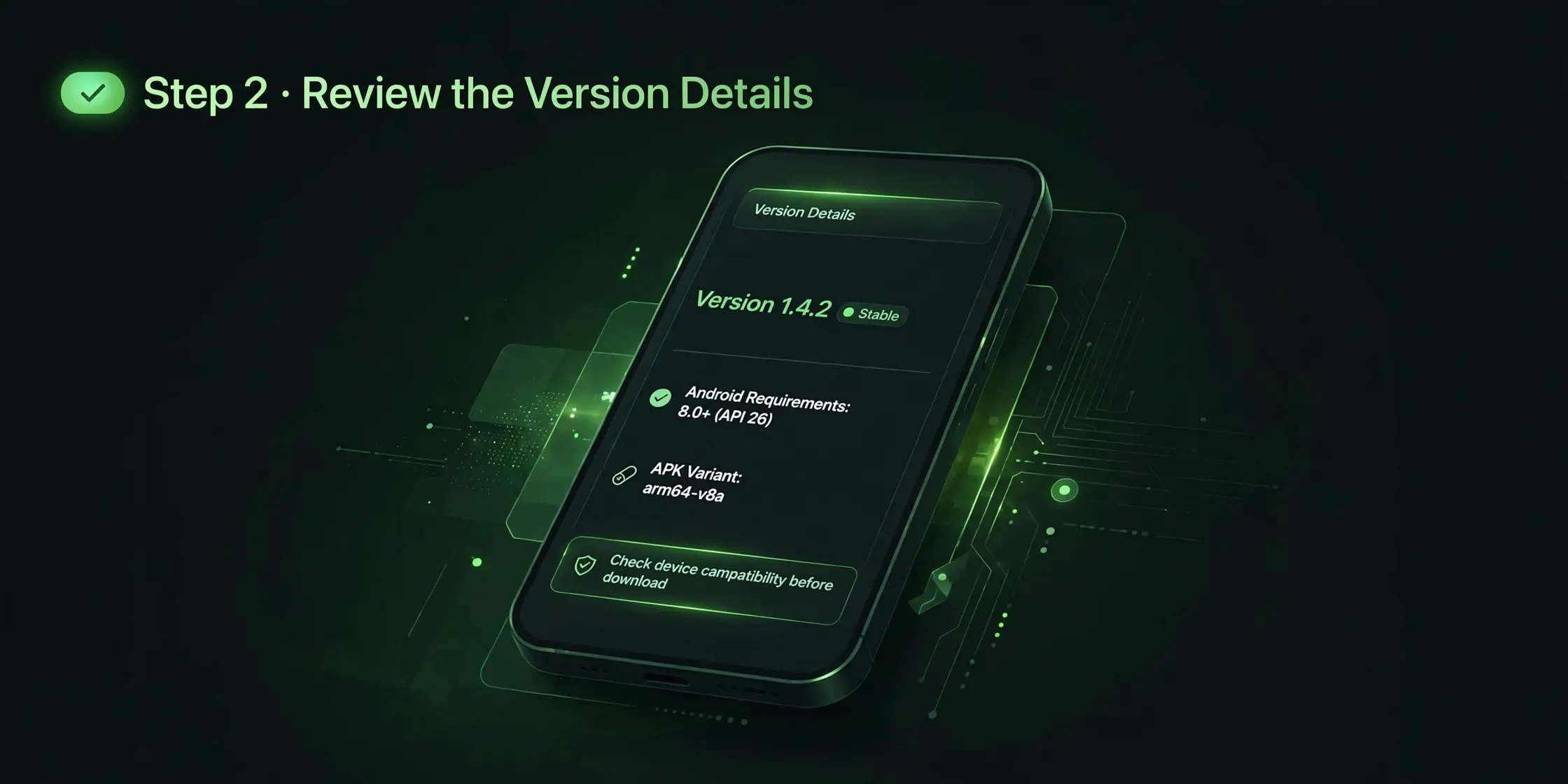
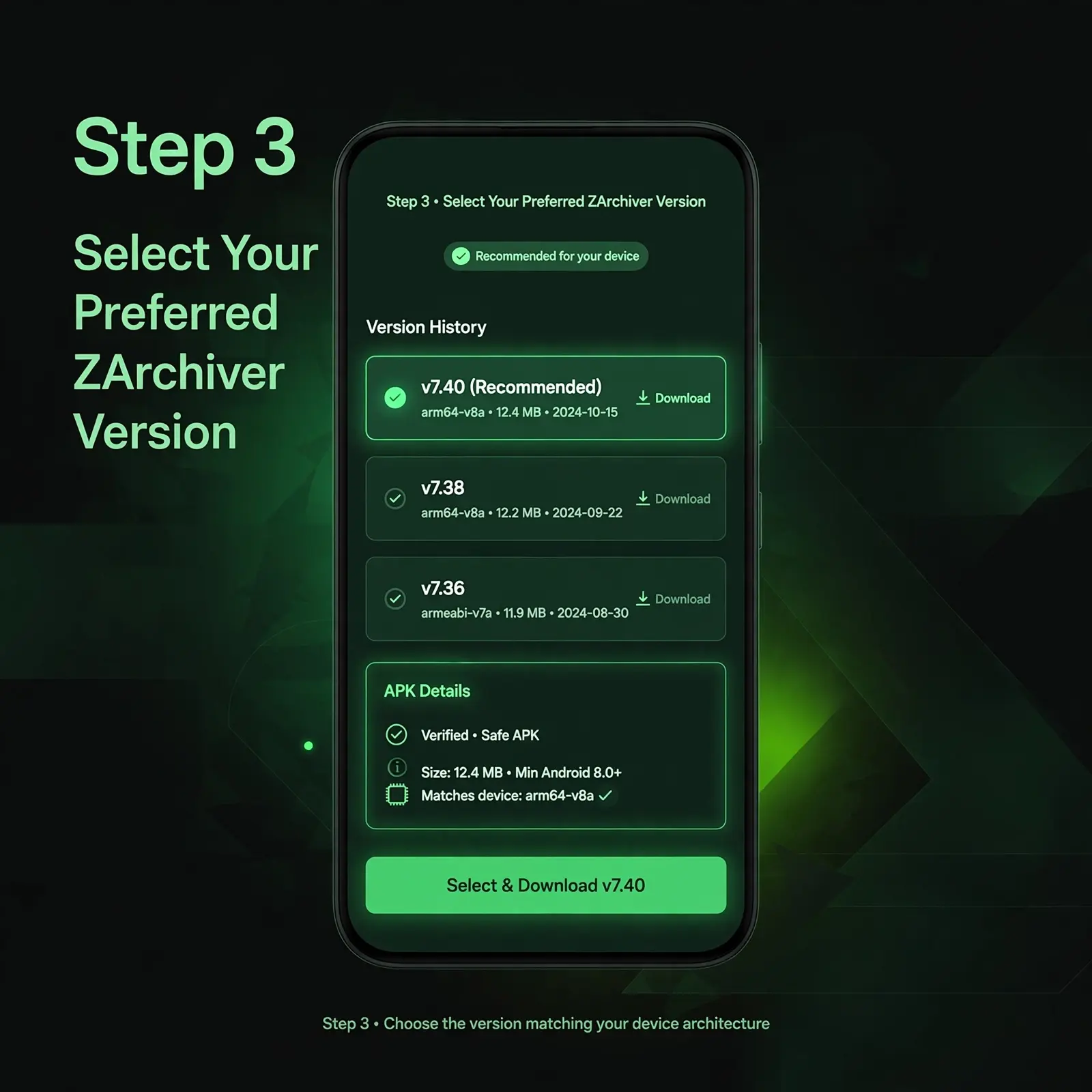
Step 3: Select Your Preferred ZArchiver Version
Find your chosen release in the ZArchiver version history above and review its available version details. Once you have identified the version that matches your device, use the corresponding download link provided for that release. Check the version number and APK details before proceeding.
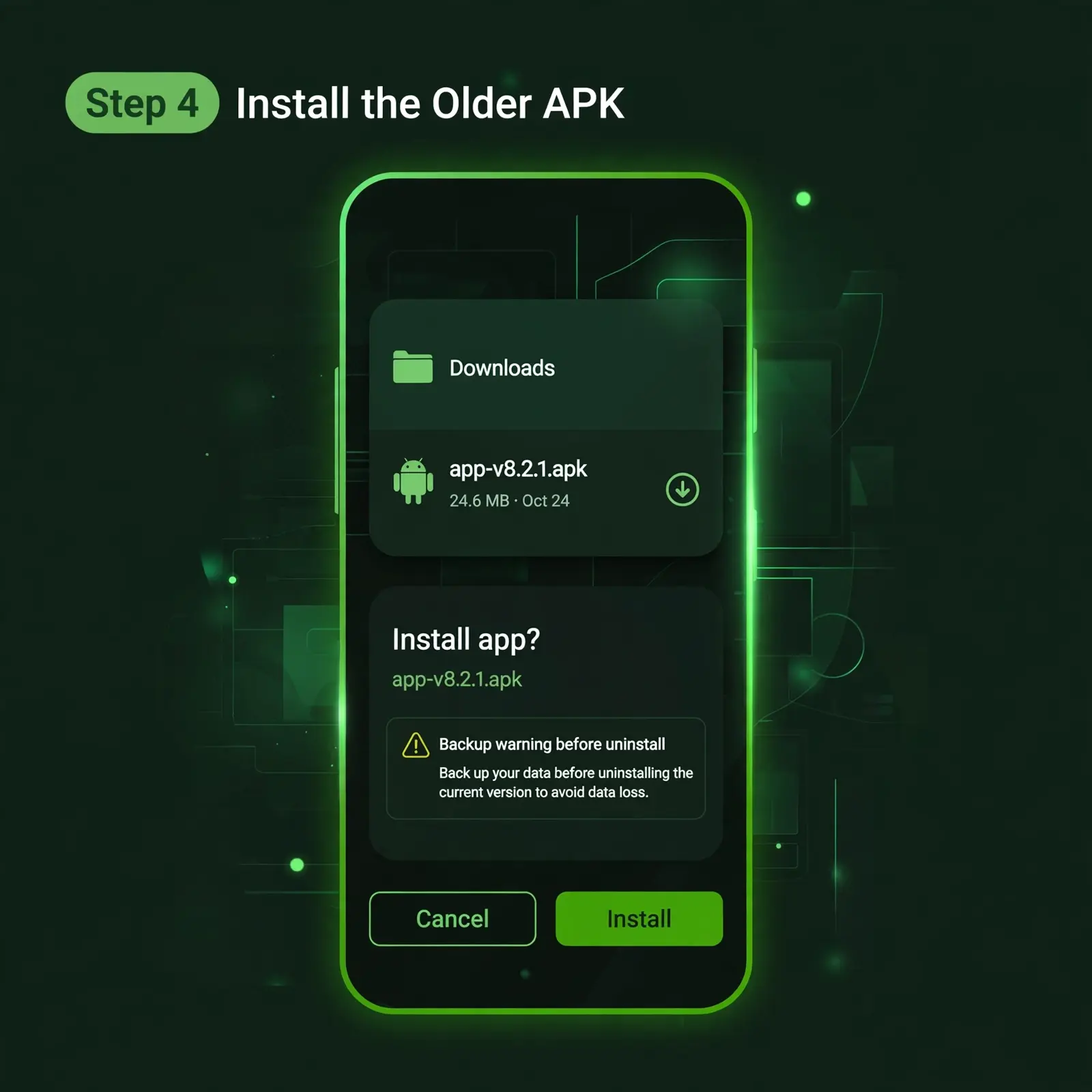
Step 4: Install the Older APK
Once the file has downloaded, open it from your Downloads folder and follow Android’s installation instructions. If you are downgrading from a newer release, Android may refuse to install the older version over the existing app. You might need to uninstall the current version first, which can erase the app’s local data. Back up important files before making that change.
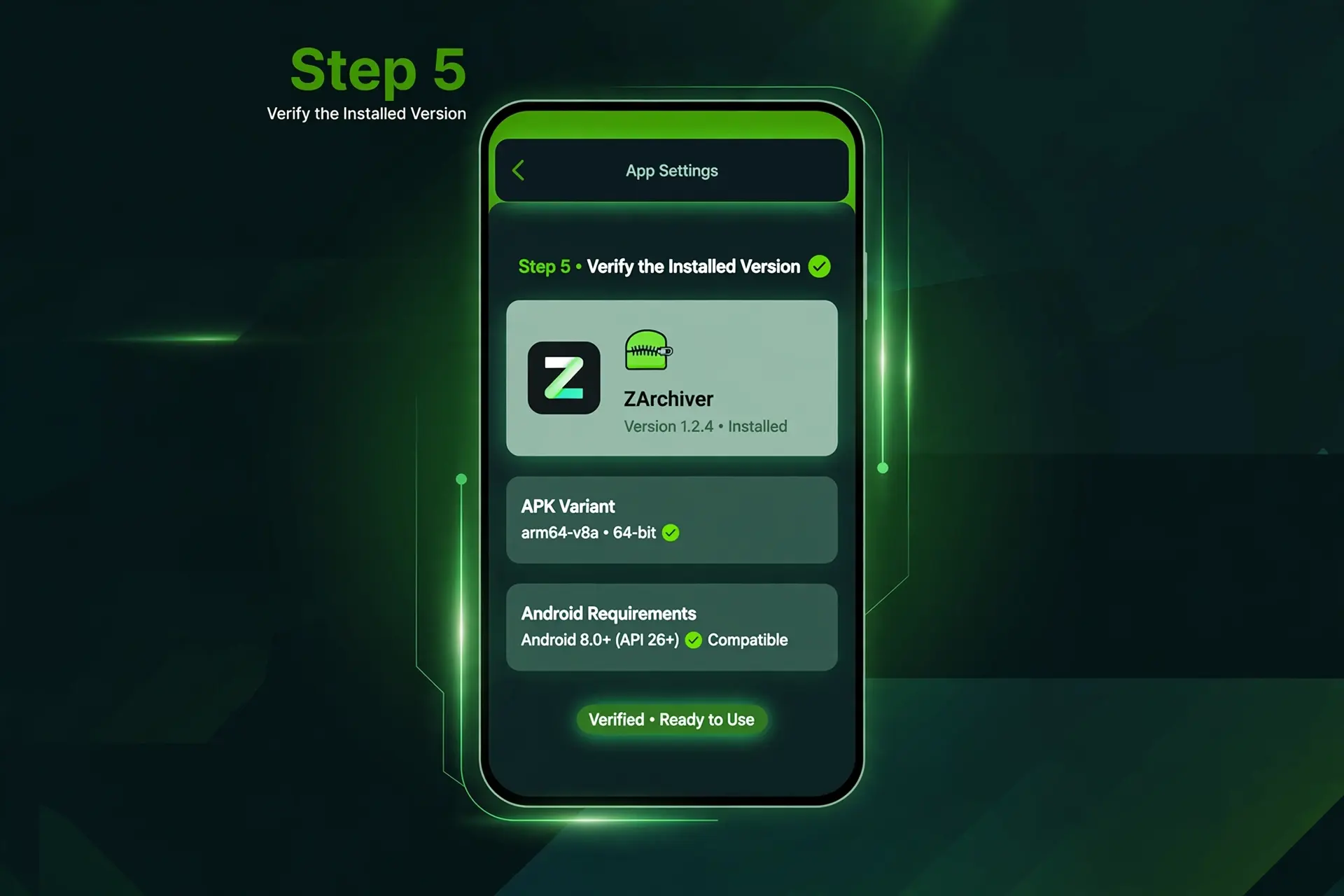
Step 5: Verify the Installed Version
After installation, open your phone’s app settings and locate ZArchiver to check the installed version. If the app does not install or open correctly, check the APK variant and Android requirements again before trying another release.
Following these steps can help you choose and install a ZArchiver previous version while reducing the risk of selecting an incompatible file.
“Want to use ZArchiver on a computer? Read our Download ZArchiver for PC guide to learn how to run the Android app using a compatible Android emulator.”
ZArchiver Old Version vs Latest Version
Choosing a ZArchiver old version is not just about picking an older release number. It is about finding a version that suits your Android device and the features you need. Earlier releases can still be relevant when you require a particular build, while a newer release may include changes that were not available when the older version was published.
Comparison point |
ZArchiver Old Version |
ZArchiver APK New Version |
|---|---|---|
|
Android Compatibility |
May suit your device if its Android requirements match the selected release. |
May introduce support for newer Android versions, so check the requirements before installing. |
|
Features |
Contains the tools available in that particular release. For example, version 1.0.8 added a simple image viewer and text editor. |
Later releases added changes such as Shizuku support in 1.0.9 and an E-Ink theme and drag-and-drop improvements in 1.0.10. |
|
File operations |
The available improvements depend on when the version was released. |
Version 1.0.10 included changes intended to speed up file operations. |
|
Android storage access |
Older releases may have different limitations when working with restricted folders. Version 1.0.8 included improvements to Android/obb access on Android 13. |
Version 1.0.9 introduced initial Android 14 support. Actual folder access still depends on Android restrictions and device configuration. |
|
Fixes and improvements |
May not include changes introduced in later releases. |
May contain additional fixes and improvements published after the older build. |
|
Best choice for |
Someone who needs a particular previous release or whose device requires an older compatible build. |
Someone who wants the changes included in a later release and whose device supports it. |
The best choice depends on your requirements, not simply on whether the version is old or new. Before installing a ZArchiver old version, compare its Android requirements and available APK variants with your device.
If you are looking for a ZArchiver APK latest version download, visit our ZArchiver homepage for current-version information. Review the available version details before deciding which release to use.
Is It Safe to Install an Older ZArchiver APK?
Installing a ZArchiver old version may be suitable for certain devices, but it is important to consider security and compatibility before choosing an earlier release. Older versions may lack bug fixes and security improvements introduced in later updates, so an older APK is not automatically the best choice for every Android device.
Before installing a ZArchiver old version APK, check the version number, package name (ru.zdevs.zarchiver), and Android requirements listed for that release. After downloading the file, scan it with your device’s security tool and make sure its details match the version you selected. A security scan can help identify potential threats, but it cannot guarantee that an APK is completely safe.
Choose an older ZArchiver release only when it meets your needs and supports your device. Avoid modified APKs with unverifiable identities, and back up important files before replacing your current installation.
Frequently Asked Questions
Conclusion
Choosing the right ZArchiver old version starts with checking its release details and compatibility with your Android device. Compare the available versions carefully to find one that meets your needs before installing.